Take Text beyond the default
Our APIs turn Text into a setup built around your business — automate conversations, connect tools, and build chat experiences that turn service into your strongest sales channel.

Here's what you can do
Most businesses use Text out of the box. This is what they build when service stops being the last thing they think about.
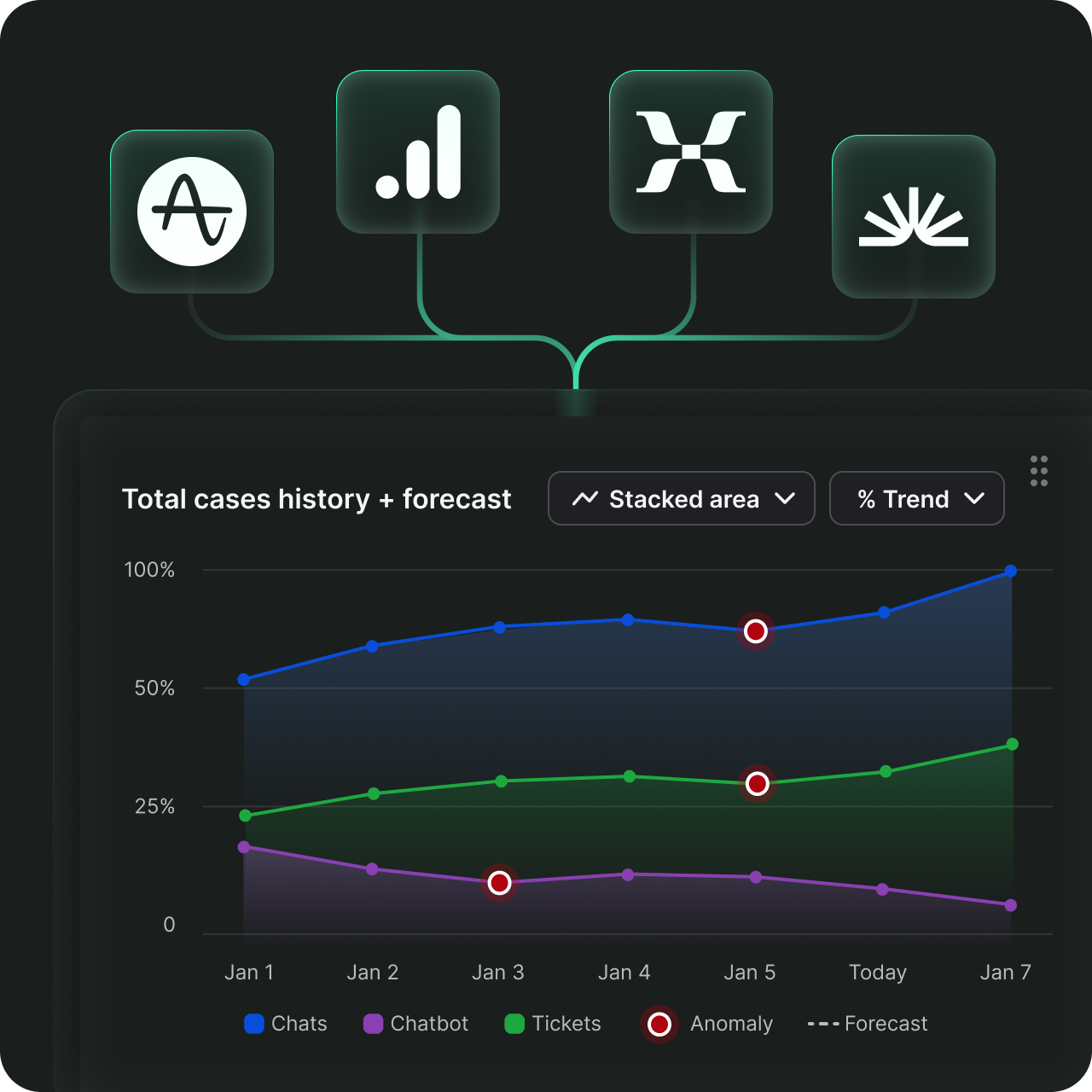
Every conversation generates valuable data — response times, satisfaction scores, purchase outcomes. Push that data into your CRM, dashboards, and reporting tools automatically.
Find the right solution for the job
Agent Chat API
Send messages, manage chats, and build custom bots from outside the Text app.
- Send messages as an agent from any external system
- Build bots that respond, transfer chats, and close conversations
- Retrieve chat history into your database or CRM
Customer Chat API
Create and manage chats from the customer side.
- Receive messages from any external communication channel
- Start a chat on behalf of a customer from any surface you control
- Attach customer data to chats for agents to see
Chat Widget JS API
Control how the standard Text widget behaves on your website.
- Show or hide the widget based on what page a visitor is on or what's in their cart
- Send customer data to the agent before the conversation starts — name, email, order history
- Track which chats led to a purchase
Webhooks
Get notified about specific situations and trigger actions in your other systems.
- Send chat transcripts to your CRM the moment a chat ends
- Trigger cart recovery emails when a customer leaves without purchasing
- Send a notification to your team when a customer submits a bad rating
Reports API
Pull Text performance data into the tools your business already uses.
- Get your chat data — volume, response times, ratings — into Google Sheets, Tableau, or any other tool you use
- See which agents are driving the most revenue and which are slowing customers down
- Schedule automated data pulls to sheets or your BI tools for recurring reports
Configuration API
Manage your entire Text setup without touching the interface.
- Create and update agents, teams, and bots in bulk
- Define routing rules so the right conversations reach the right team automatically
- Add any custom information visible to agents for every chat or customer
Agent App SDK
Add custom tools inside the LiveChat agent interface.
- Show each customer's order history, loyalty status, and past conversations directly in the agent's sidebar
- Let agents search your product catalog and send product cards without leaving the chat
- Build any workflow tool — returns, discounts, shipping lookups — directly inside the interface
HelpDesk SDK
Add custom tools inside the HelpDesk ticket interface.
- Show order details and return history the moment an agent opens a ticket
- Flag tickets from high-value customers so the most important ones get resolved first
- Let agents process refunds and exchanges without leaving the ticket
Partner API
Access your earnings, campaign performance, and client data from outside the partner portal.
- Build your own dashboard tracking commissions and referral performance
- Manage client accounts without logging into Text manually
You don't need a full dev team to get started
Browse our partner directory to find developers experienced with Text APIs. Prefer to build yourself? The docs cover everything you need to get started on your own.
The pricing is simple for every scale
API requests are billed per use. Start small and scale as you build.
Go to API pricingFAQ
What does API stand for?
API stands for Application Programming Interface. It serves as a set of protocols, routines, and tools that allow different software applications to communicate with each other. An API specifies how software components should interact, which includes the rules and data formats necessary for this interaction.
What is an API?
An API is a bridge that enables different software applications to communicate and interact. It defines the methods and data formats that applications can use to request and exchange information. APIs can come in various forms, such as REST APIs, Web APIs, and more, and they serve as a key component for connecting, extending, and enhancing various software functionality.
What is a REST API?
A REST API (Representational State Transfer API) is a type of web API that adheres to the principles of REST architectural style. REST APIs are designed to be lightweight and scalable, making them ideal for web-based communication. They use standard HTTP methods (GET, POST, PUT, DELETE) to interact with resources (data) in a stateless manner. RESTful APIs often return data in JSON or XML format and are commonly used for building web and mobile applications that require data retrieval and manipulation.
What is a Web API?
A Web API is a type of API designed for web-based communication. Web APIs typically follow standard protocols and data formats, such as HTTP or REST, making it easier for developers to integrate external services or data sources into their own apps. Examples of Web APIs include social media APIs or weather APIs. Developers often need to obtain an API key to access these APIs, and their usage is documented in the provided API documentation. Web APIs commonly return data in formats such as JSON or XML.
What is an RTM API?
An RTM API (Real-Time Messaging API) is a type of API focused on real-time communication and data exchange. RTM APIs are commonly used in messaging or collaboration platforms to facilitate instant updates, notifications, and real-time interactions. These APIs are crucial for chat applications to ensure that messages and data are delivered in real time. Given the sensitive nature of real-time communication, various API security measures and an authentication API are often utilized to make sure that only authorized users can access and send data through RTM APIs.
What is the difference between a Web API and an RTM API?
Web API and RTM API serve distinct purposes and have different characteristics. Web API generally refers to APIs accessible over the internet. They provide a structured way to interact with web-based services and retrieve data. Web APIs are typically designed for use by external developers and often require an API key for access, and their API documentation outlines how to use them. RTM APIs are specialized interfaces that enable real-time communication and data exchange, often used in messaging or collaboration platforms. They facilitate instant updates and notifications, supporting applications and systems where real-time interactions are crucial. These APIs often involve more advanced API security than in the case of Web APIs, and involve authentication APIs to ensure secure and authorized communication.